Find a stop that fits
your journey.
Two simple starting points: explore nearby stations or plan fuel stops along your route.
01 / NEARBY
Start with what’s nearby.
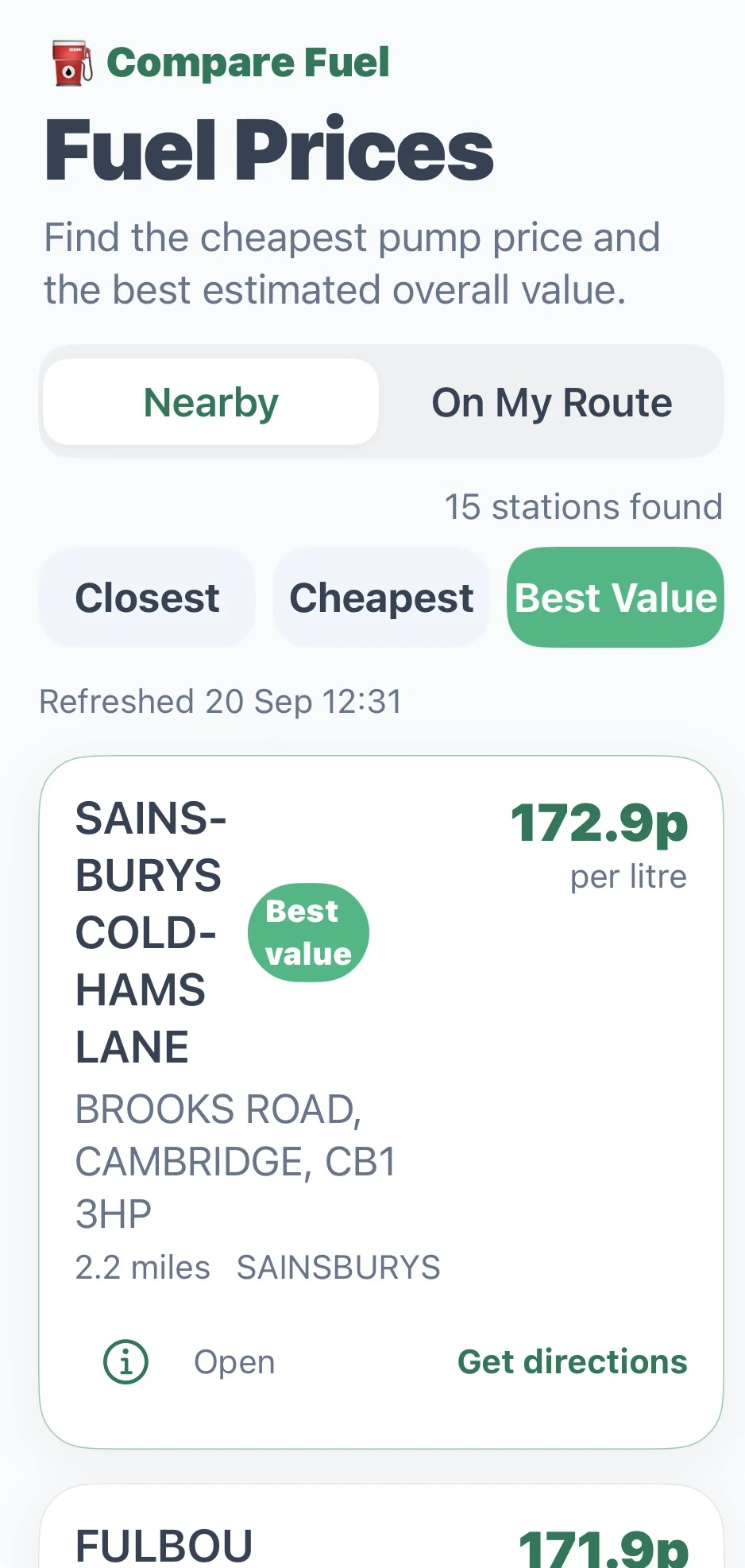
Open Nearby, search by current location, town or postcode, set your fuel and search radius, then choose a tab to explore local options.
- Closest
- Explore nearby stations by proximity.
- Cheapest
- Compare nearby options by fuel price.
- Best Value
- Best Value estimates the cheapest overall trip cost to a fuel station, based on a typical 40 litre fill-up and a 38 mpg car.
02 / ON MY ROUTE
Plan the whole journey.
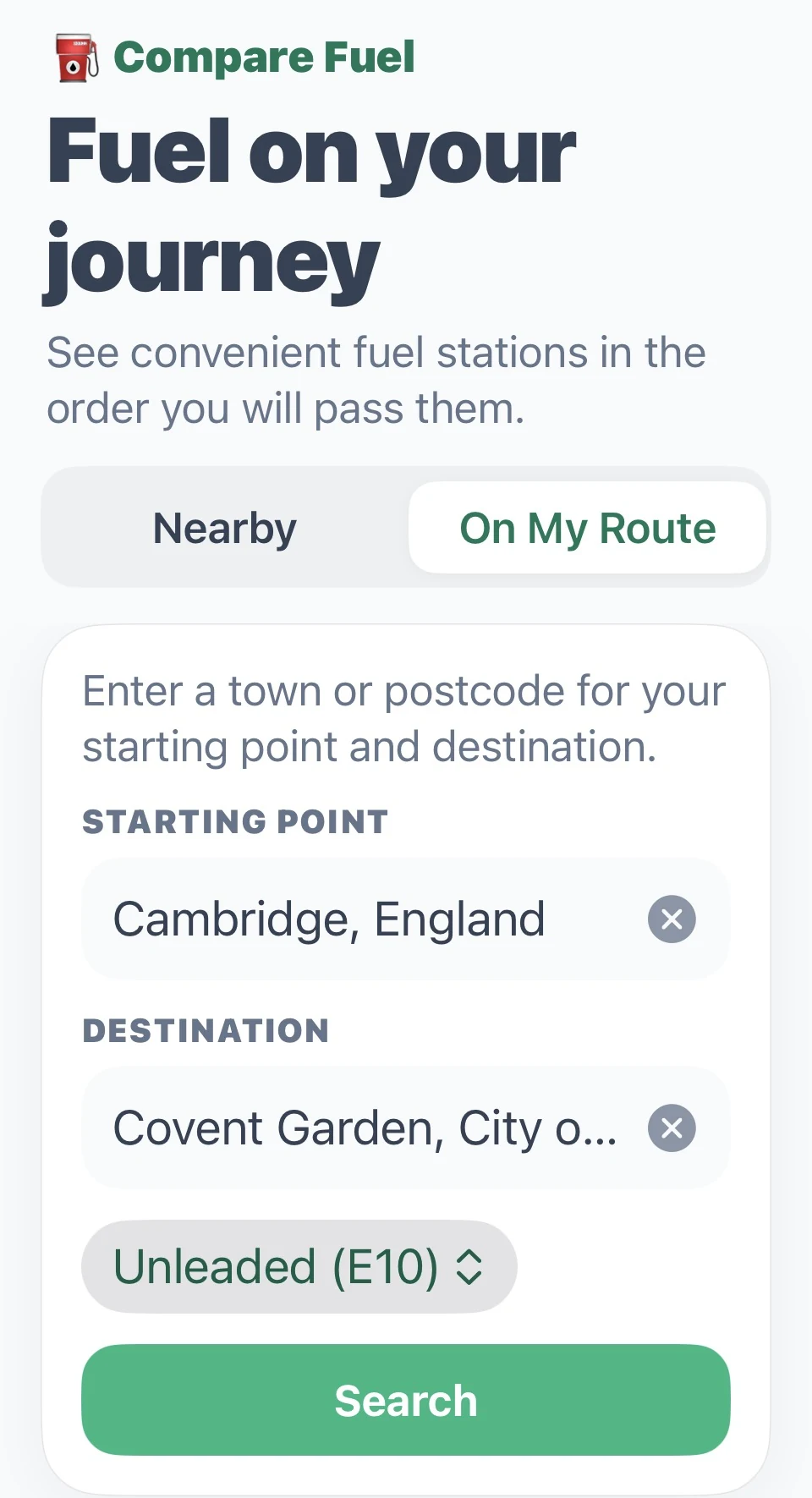
Open On My Route and set up your journey in the app.
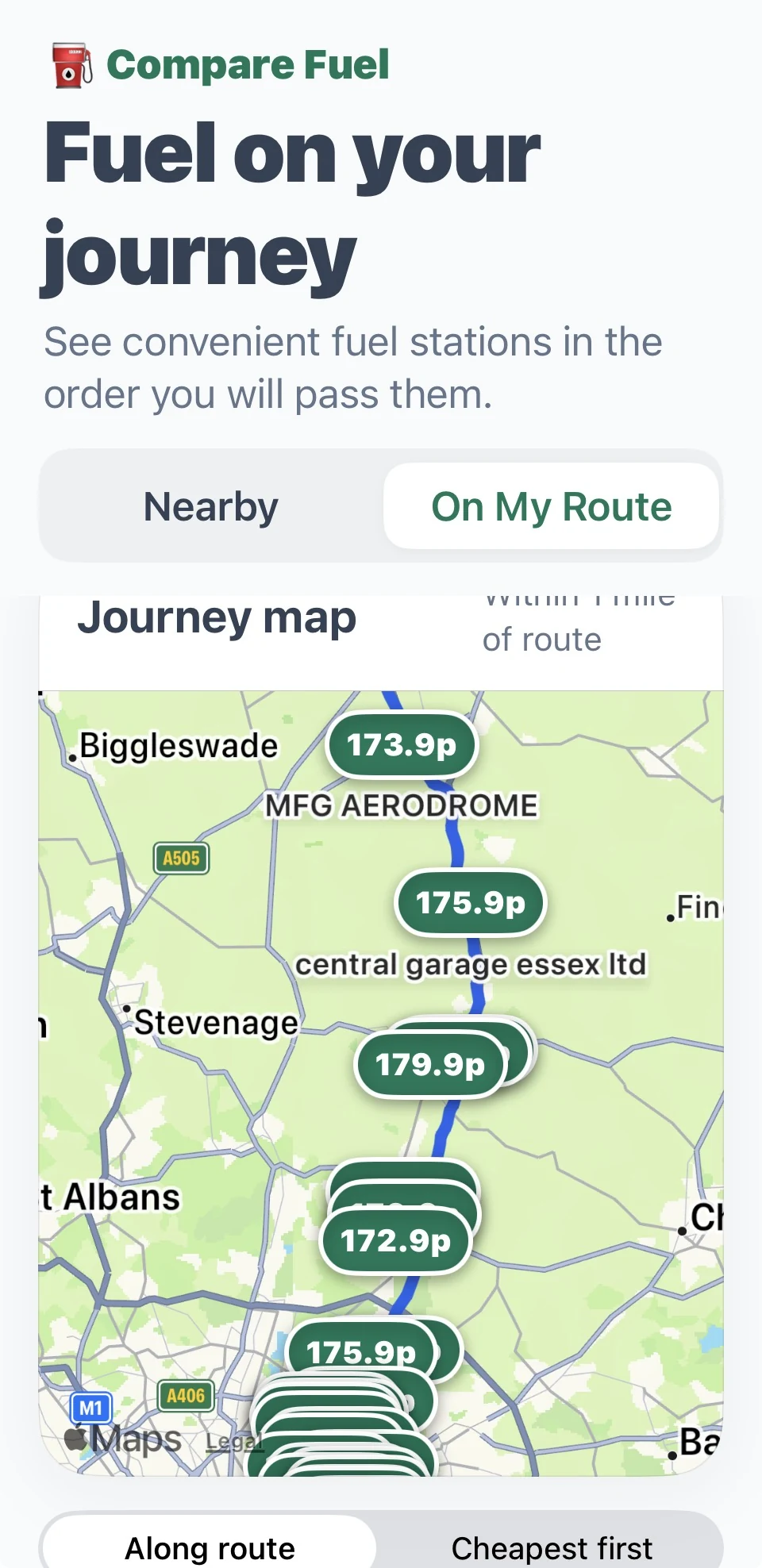
On My Route shows fuel stations within one mile of the entire journey, helping you plan ahead and choose a stop with minimal unnecessary detours. When you’re ready, open navigation in Apple Maps.
Check the displayed information and the station’s price before refuelling. Plan while safely parked.